
xAI Launches Grok Build Beta — A CLI-Powered Development Assistant
xAI has released Grok Build Beta, an early command-line tool for coding and project management.
The beta is available exclusively to SuperGrok Heavy subscribers.
It provides a terminal-based environment that coordinates multiple AI agents to handle planning, building, and reviewing code.
Described as "fast and flicker-free," the CLI aims to streamline complex development workflows without leaving the command line.
CLI Features: Skills, Subagents, and More
The Grok Build CLI introduces several core components:
- Skills — Adapts to your workflows and preferences over time.
- Plan Viewer — Lets you architect complex projects visually within the terminal.
- Marketplaces — Share custom capabilities across your team.
- Q&A — The system proactively asks clarifying questions to “nail the details.”
- Subagents — Run in parallel for research, building, and code review.
Two special commands are also included:
/btw— Ask a side question without interrupting the main flow./make-interfaces-feel-better— Triggers a design polish pass for UI details like animations, hover states, shadows, borders, typography, and micro-interactions.
curl -fsSL https://x.ai/cli/install.sh | bash
Sample Session: From Validation to Polish
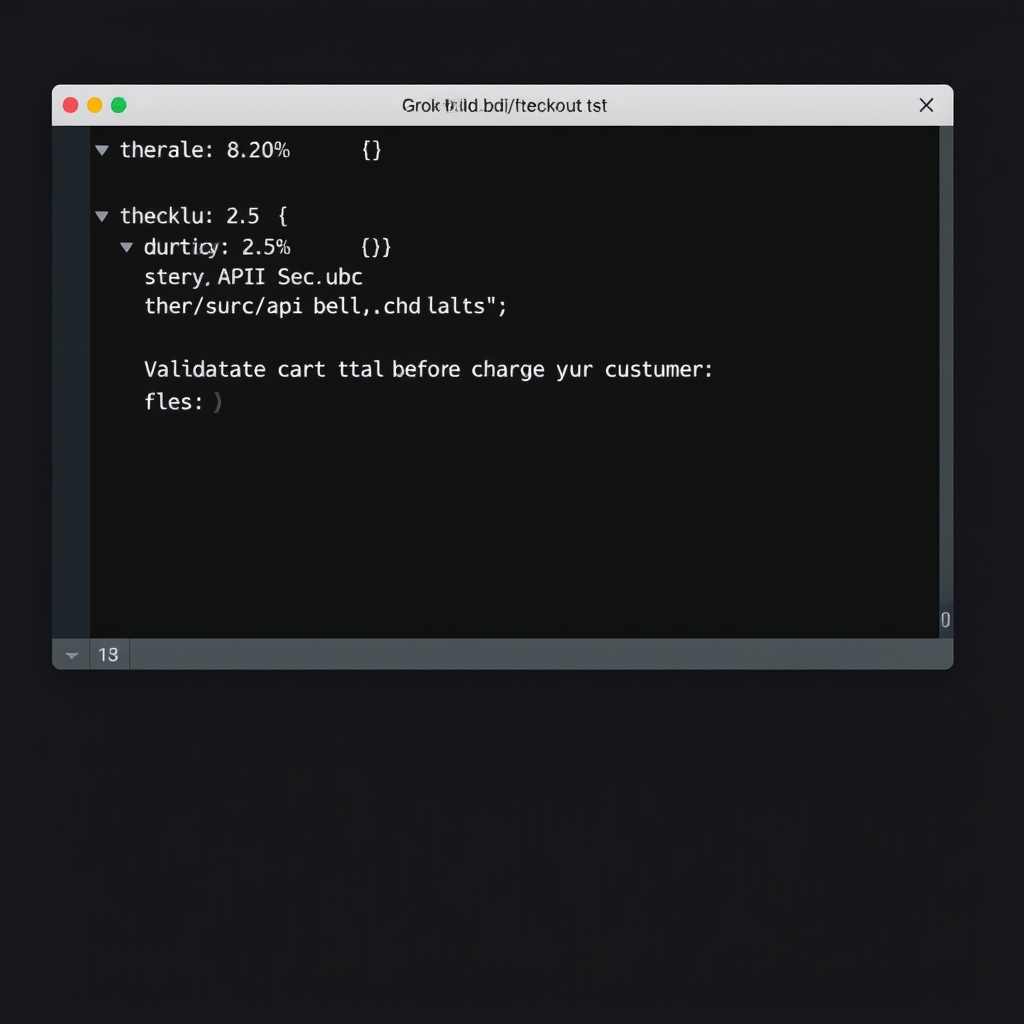
Promotional material shows a typical session.
A user navigates to projects/main jasong/folder and sees a 8.20% progress indicator.
They then issue a directive:
❯ Validate the cart total before charging the customer
The system responds with a Thought for 2.5s and edits src/api/checkout.ts.
Inside that file, validation logic appears:
export async function checkout(cart: Cart) {
  const total = calculateTotal(cart.items);
  if (total <= 0) {
    throw new ValidationError('Cart total must be positive');
  }

  const charge = await stripe.charges.create({
    amount: total,
    currency: 'usd',
After a second Thought for 1.2s, the user issues:
❯/btw— a side question without interrupting.- Then
❯/make-interfaces-feel-betterto polish the front-end.
A mode indicator shows grok-build · always-approve, suggesting the tool can run autonomously.
Key shortcuts are listed: Enter send, Shift-Tab normal, ctrl+h home, ^-q quit.
Availability and Platforms
The beta is accessed via a “Try now” link on the SuperGrok subscription page.
Users must subscribe to SuperGrok Heavy to get access.
Grok itself is available on multiple platforms:
| Platform | Link / Store |
|---|---|
| Web | grok.com |
| iOS | Apple App Store (ID: 6670324846) |
| Android | Google Play Store |
| X | x.com/i/grok |
Related products include Grok Enterprise, Grokipedia (third-party), and the xAI API suite (Voice, Imagine, pricing, console).
xAI also offers company pages for support, careers, privacy, security, and status at status.x.ai.